
Each pattern opens its own Drawer.
Milkglass keeps private photos, videos, and files in Drawers on your iPhone. Draw a pattern, and the Drawer of that pattern opens. The app never lists your Drawers and never shows how many there are.
See how it opens Milkglass is not on the App Store yet. It is made for iPhone and iPad.
- No account
- No ads
- No analytics
- No server of ours
Nine dots, and nothing else
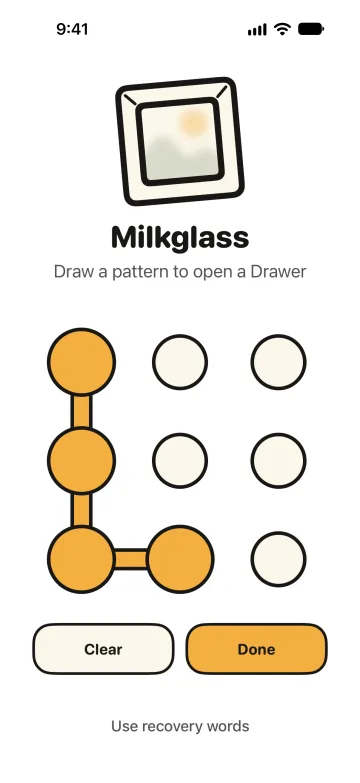
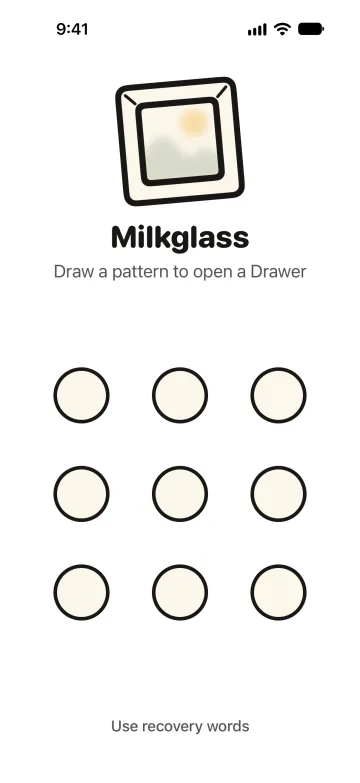
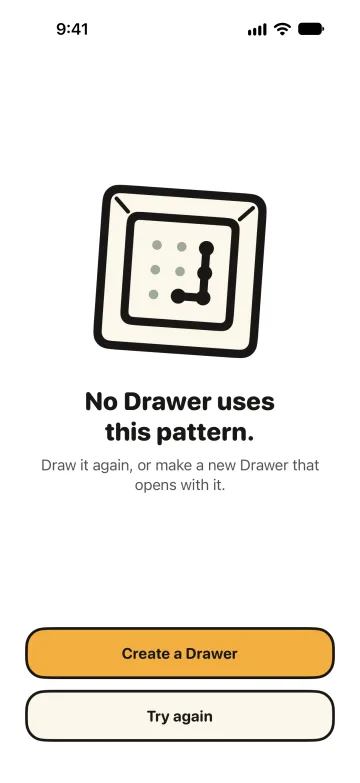
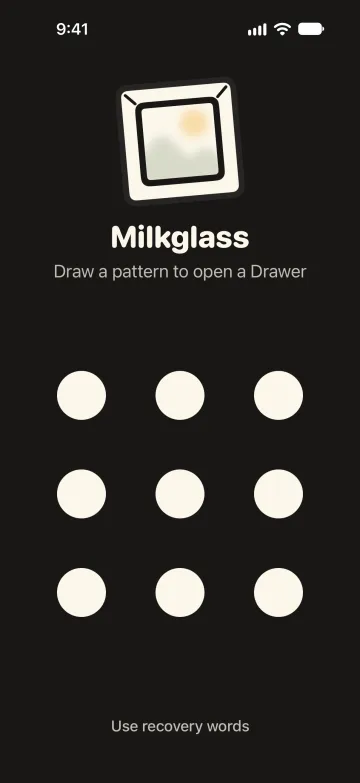
Most apps of this kind open to a list of what you keep apart. Milkglass opens to a pattern grid. It shows no name, no list, and no count, so the screen looks the same with one Drawer or with five.
Why I built Milkglass
Hi, I'm Paul.
Everyone has a few things that are theirs alone: a photo, a scan of a passport, a letter. On an iPhone they sit in Photos, one scroll away from whoever holds the phone.
The apps made for this open to a list of what you keep apart, and the list tells its own story.
So I built Milkglass. It opens to nine dots. Draw a pattern, and the Drawer of that pattern opens. Everything stays on your iPhone, encrypted, with a backup in your own iCloud.
I make Milkglass on my own, and I answer the email myself. Write to me at hello@milkglass.app.
 Paul Bădărău, founder
Inside a Drawer
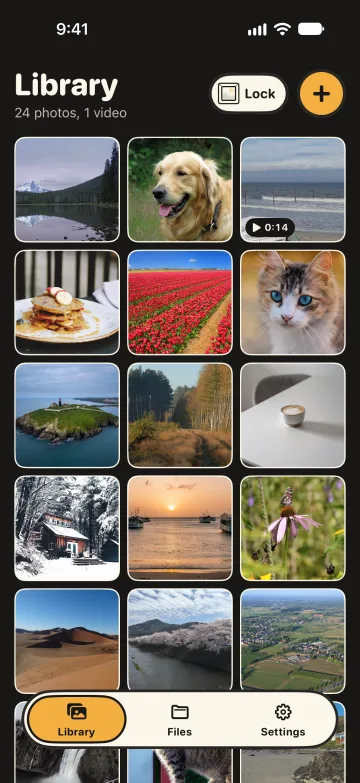
Three places: Library for photos and videos, Files for everything else, and Settings. Each Drawer is encrypted with its own random key, and that covers the files, their names, the folder names, and the thumbnails.
Library
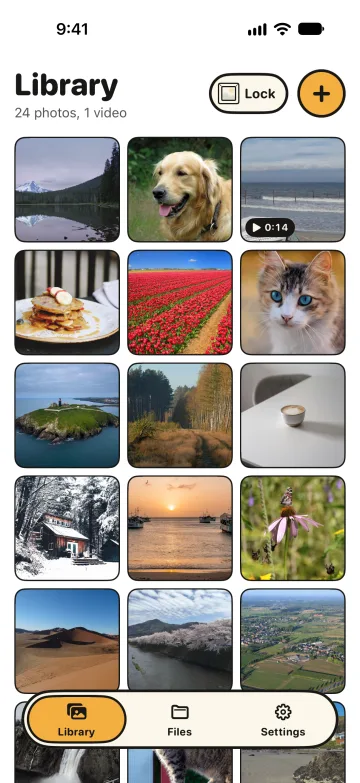
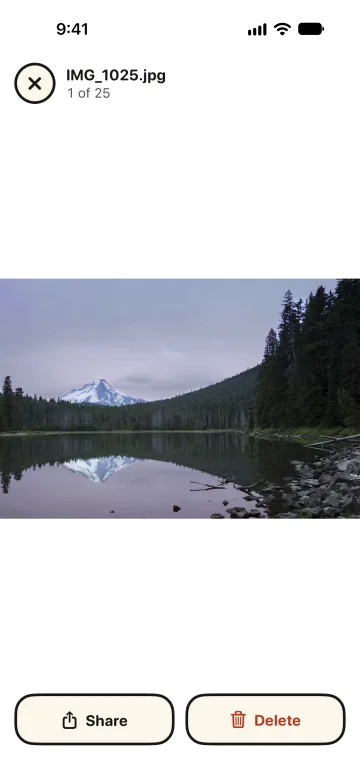
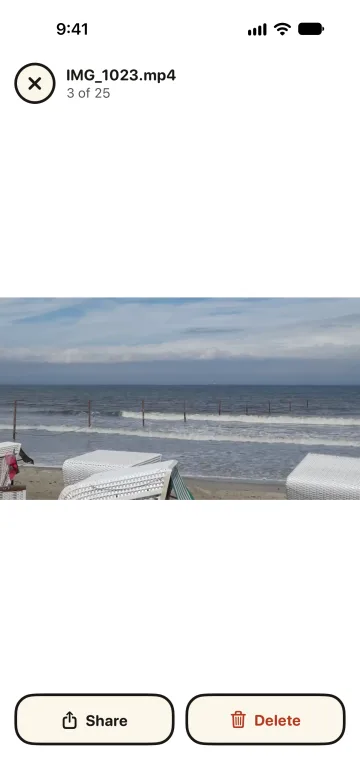
Photos and videos as tiles, newest first. Milkglass keeps each original byte for byte and does not reduce its quality. Videos play inside the Drawer.
Files
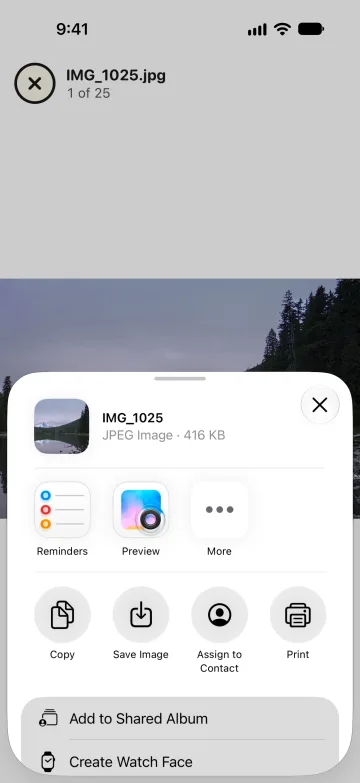
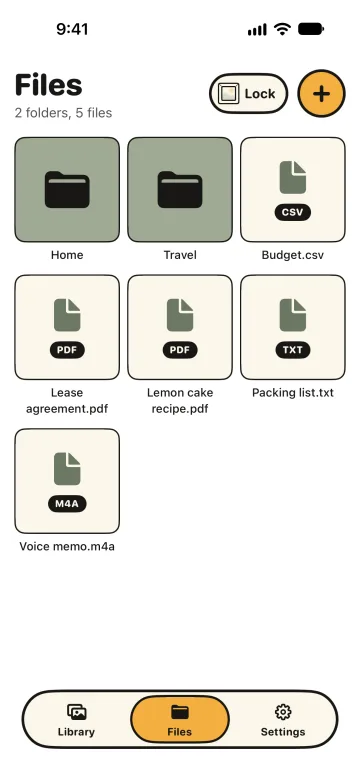
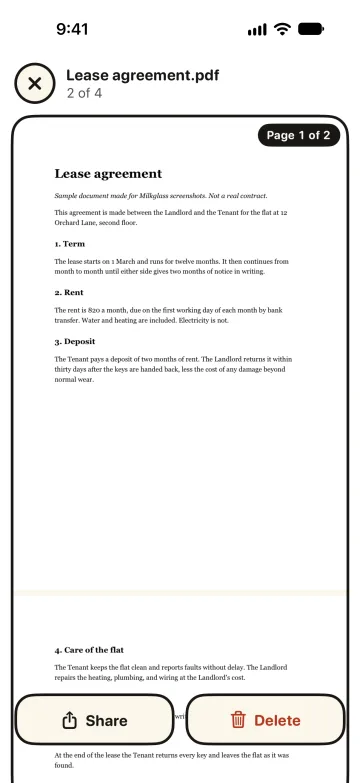
PDFs, notes, spreadsheets, audio, and any other file, in folders you make. You can look at most of them without leaving the Drawer. Rename, move, and share work on every item.
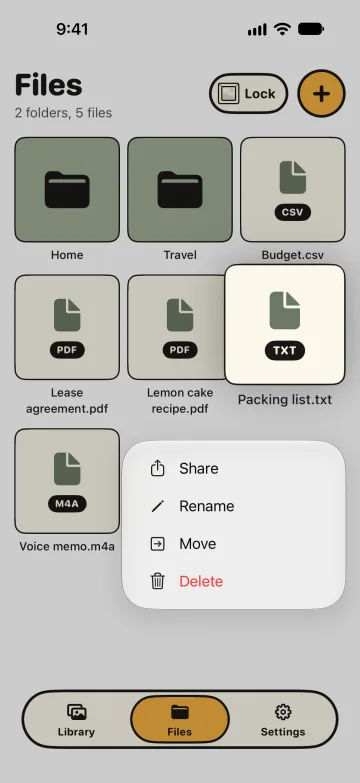
Adding, deleting, and leaving
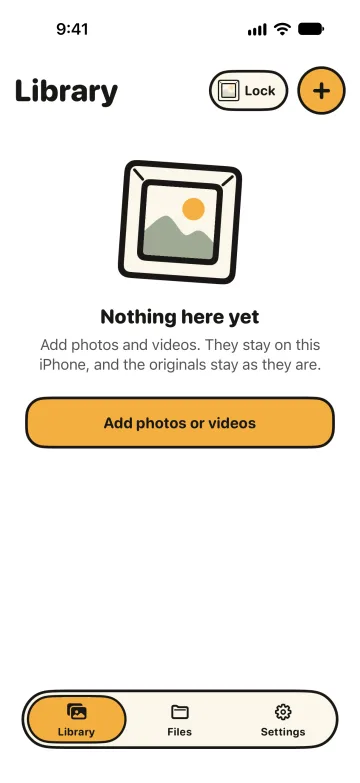
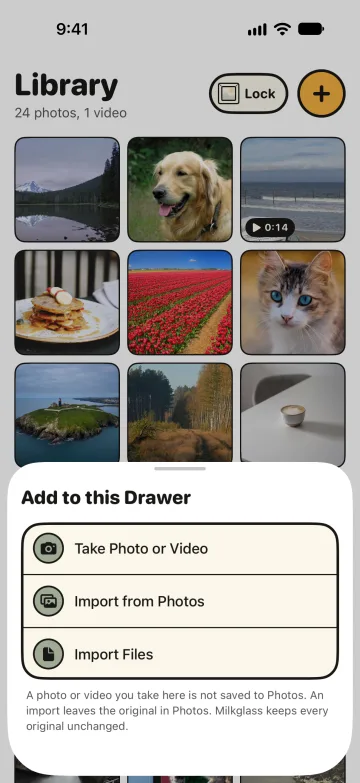
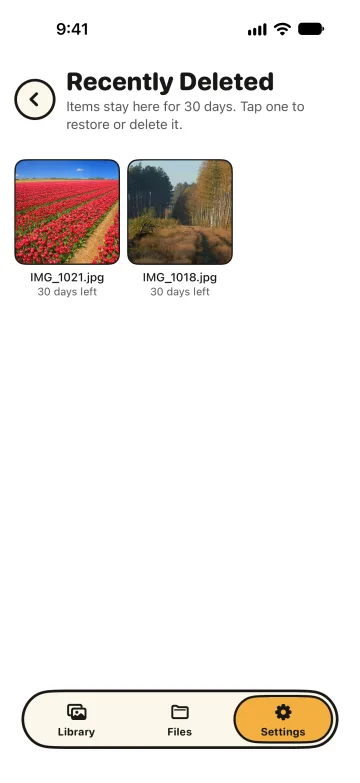
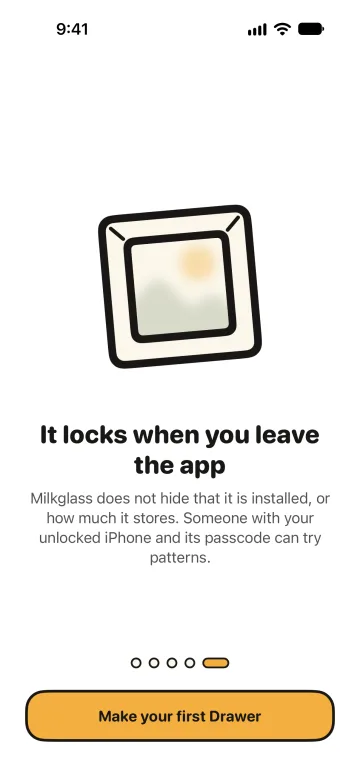
Take a photo or video straight into a Drawer, and it is not saved to Photos. Import from Photos or from Files, and the original stays where it was: Milkglass deletes nothing from Photos. The open Drawer locks when you leave the app or tap Lock.
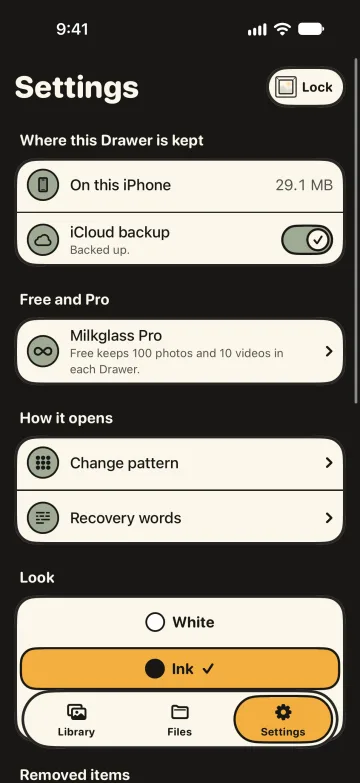
On this iPhone. iCloud is the backup.
Every item is complete on the iPhone that added it and opens with no network. The backup is a second, encrypted copy in your own iCloud, in Free and in Pro. We run no server and have no way to read either copy.
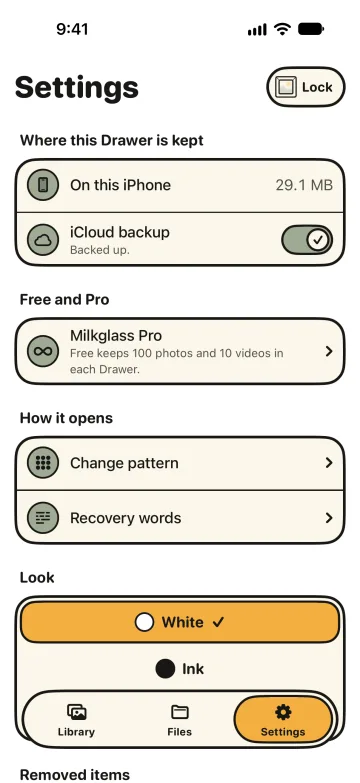
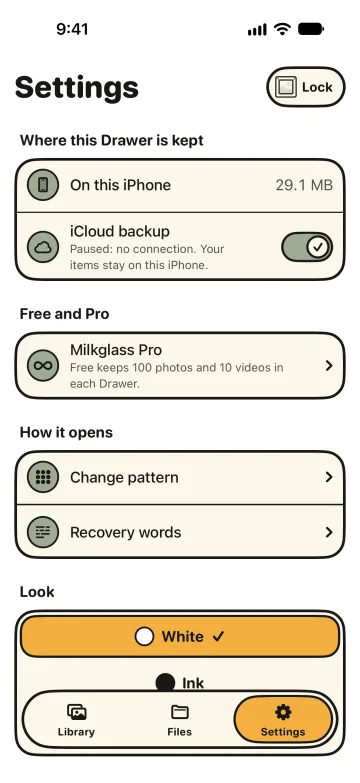
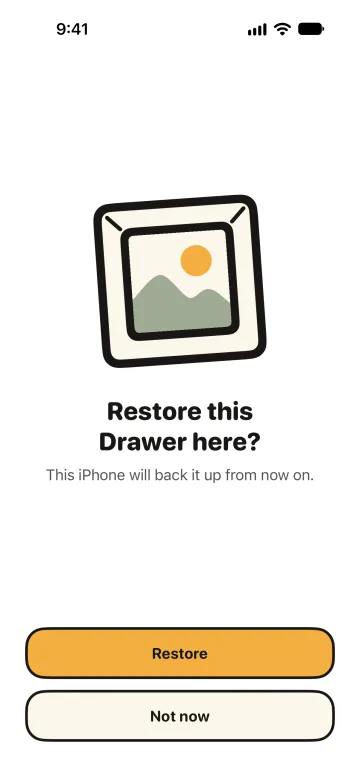
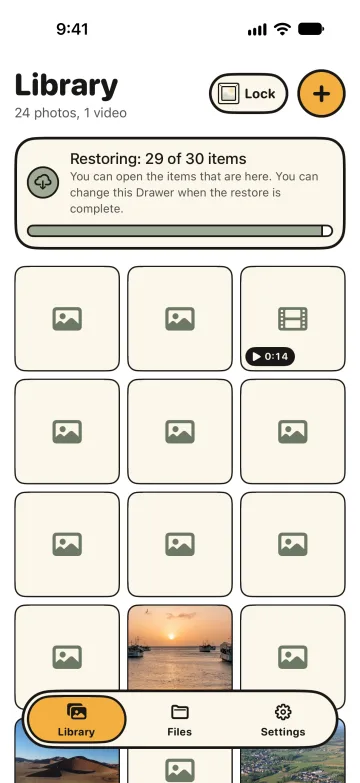
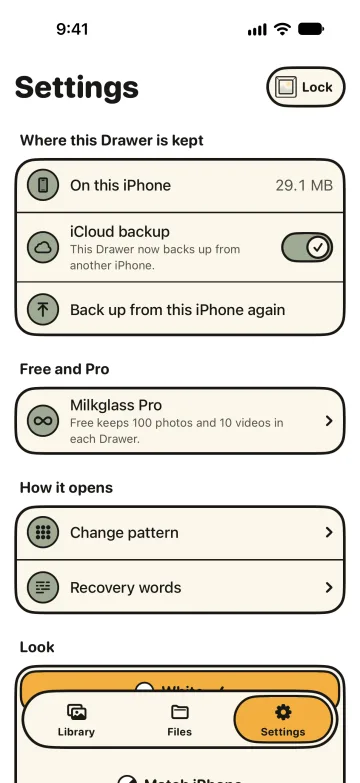
The backup is a copy for a lost or new iPhone. It is not sync: a Drawer does not follow your edits from one device to another. The backup screens above were made with a stand-in for iCloud on a test machine.
Recovery words are the only other way in
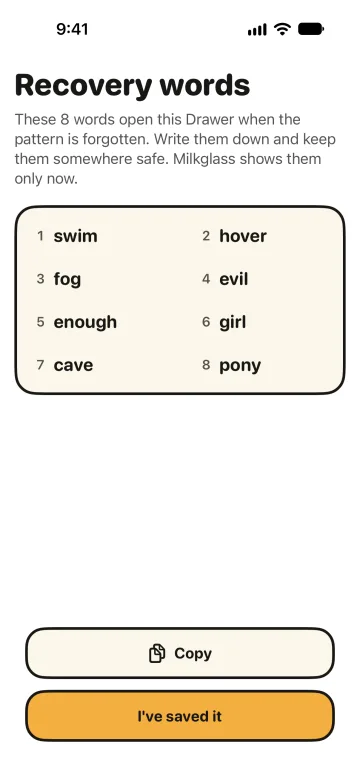
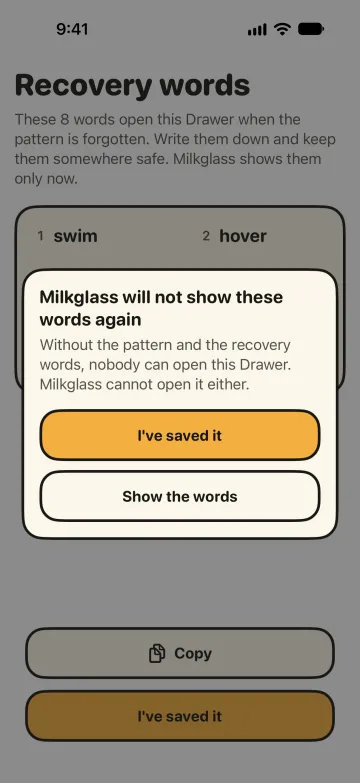
When you make a Drawer, Milkglass shows 8 recovery words once. They open the Drawer when you forget the pattern, and they restore it on a new iPhone when iCloud Keychain is off. Write them down.
White, ink, or the look of your iPhone
Milkglass is white by default. Settings has an ink look and Match iPhone, which follows the light or dark setting of the system. Every screen follows the choice, the pattern screen too.
Free, and Pro when a Drawer fills up
The limit counts inside one Drawer. The number of Drawers never matters, so the Pro offer cannot give away how many you have.
Free
- Any number of Drawers
- 100 photos and 10 videos in each Drawer
- Files without a limit
- iCloud backup
Milkglass Pro
- Unlimited photos and videos
- Everything in Free
€14.99 a year, after a 7-day free trial for new subscribers
€29.99 once, for life
Reference prices in euro. The App Store shows the price for your country before you buy. One purchase covers iPhone and iPad.
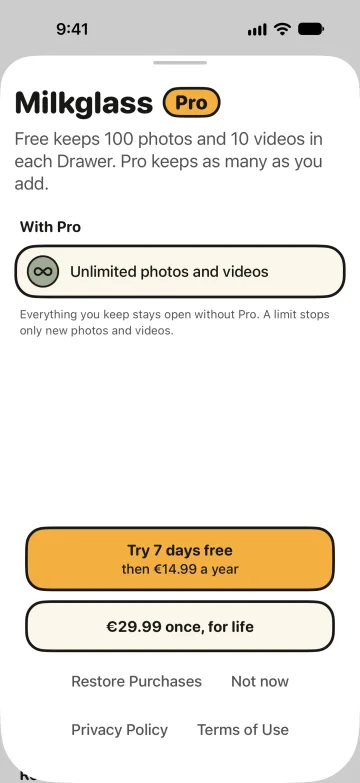
If Pro ends, nothing is locked or deleted. You can still open, share, and delete everything. Only adding photos and videos above the Free limit stops. The yearly subscription renews until you cancel it in your App Store account settings, at least 24 hours before the period ends.
Private photos on iPhone: questions and answers
How Milkglass keeps your photos, videos, and files private, one question at a time.
How do I keep photos private on my iPhone?
Put them in a Drawer. Milkglass encrypts each Drawer on your iPhone and opens it for the pattern you draw. Take a photo or video straight into a Drawer, and it lives there alone. Or import from Photos: the original stays in Photos until you delete it there.
What can I keep in a Drawer?
Photos, videos, PDFs, notes, spreadsheets, audio, and any other file. Milkglass keeps every original byte for byte, at full quality. Photos and videos go to the Library. Everything else goes to Files, in folders you make.
Can I have more than one Drawer, or a decoy?
Yes. Each pattern opens its own Drawer, and you can make as many as you want. A decoy is another Drawer with another pattern. The pattern screen looks the same with one Drawer or with five.
Who can see what I keep in Milkglass?
Only a person who draws the pattern of the Drawer or enters its 8 recovery words. Those are the two ways in, and you hold both. Your content is encrypted on your iPhone, and the backup goes encrypted into your own iCloud. The Privacy Policy has the detail.
What does someone see when they pick up my iPhone?
The Milkglass app on your Home Screen and, in the storage list of the iPhone, how much it holds. The app opens to nine dots. What is inside each Drawer, and how many Drawers there are, stays behind the patterns.
What happens when someone tries to guess my pattern?
A person who holds your unlocked iPhone can try patterns. Each wrong pattern gets the same answer, whatever Drawers exist, and after several wrong tries Milkglass makes that person wait.
What if I forget my pattern?
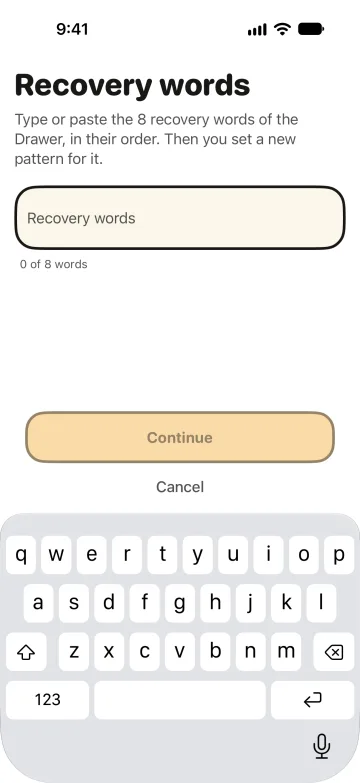
Tap Use recovery words on the pattern screen, enter the 8 words of the Drawer, and draw a new pattern. Milkglass shows the words once, when you make the Drawer. Write them down and keep them in a place you trust: they are your second way in.
What happens if I lose my iPhone or get a new one?
iCloud backup is on by default, in Free and in Pro. On the new iPhone, draw the pattern of the Drawer, or enter its recovery words when iCloud Keychain is off, and Milkglass offers to restore it. Settings says “Backed up” when every item of the Drawer is in the backup.
Does Milkglass work offline?
Yes. Every item is complete on your iPhone and opens with no network. The backup catches up when the connection returns.
Does Milkglass work on iPad?
Yes. Milkglass runs on iPhone and iPad, and one purchase covers both. Each device keeps its own Drawers.
How much does Milkglass cost?
Milkglass is free for any number of Drawers, with 100 photos and 10 videos in each, unlimited files, and iCloud backup. Pro makes photos and videos unlimited: €14.99 a year after a 7-day free trial for new subscribers, or €29.99 once. If Pro ends, everything you added stays open to view, share, and delete.
When can I get Milkglass?
Milkglass is coming to the App Store for iPhone and iPad, and the date is still open. Write to hello@milkglass.app with any question.